

 Login/Create Account


Your Guide to Booking Tickets via the DB Navigator App
Getting around Germany has become easier and smoother thanks to technology. The DB Navigator app by Deutsche Bahn is one of the most widely used tools, relied on by millions every day to plan trips and purchase tickets.
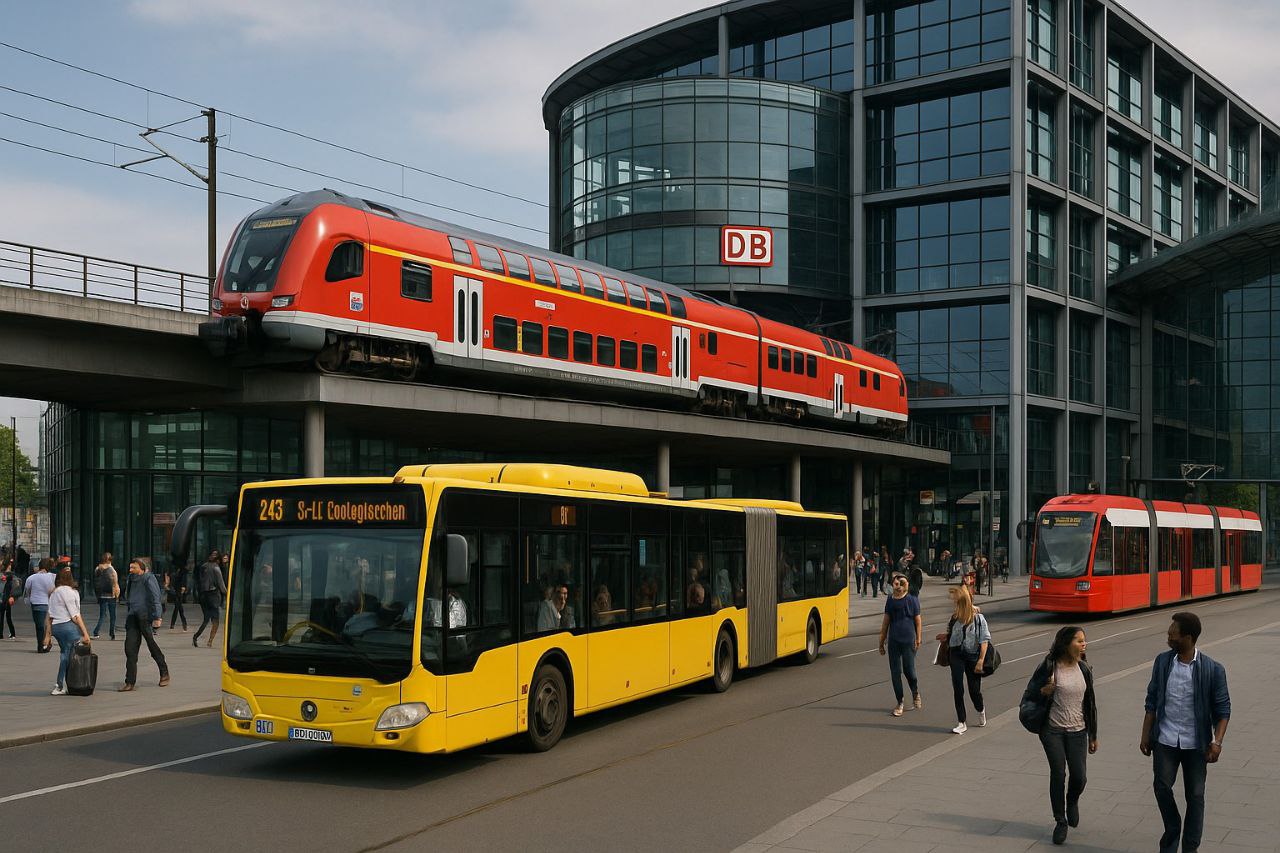
Whether you travel on long-distance trains like ICE, use regional trains, or even buses, the app brings everything together in one place. In this guide, we walk through the key steps and features.
What is DB Navigator?
It is Deutsche Bahn’s official app, available for free on smartphones (Android and iOS). The app allows you to:
-
Search train and bus schedules.
-
Book tickets and pay directly.
-
Track journeys in real time and see delays or platform changes.
-
Store tickets digitally so you can use them without printing.
How to search for a trip
Open the app and select “Verbindung suchen” (Search connection).
Enter your departure station and destination.
Choose the travel date and time.
A list of available connections will appear, including stops, departure/arrival times, and the number of transfers (if any).
Booking tickets
After selecting the connection you want, tap “Zur Buchung” (Proceed to booking).
Choose your ticket type (Flexpreis, Sparpreis, or Super Sparpreis).
Select whether you want a seat reservation (optional, but recommended on long journeys).
Enter your payment details, and add your BahnCard if you have one to receive discounts.
After payment, your ticket will appear in the app under “Meine Tickets”.
Extra features
-
Real-time tracking: See where your train is and the expected arrival times at upcoming stations.
-
Alerts and notifications: Get updates about delays, cancellations, or platform changes.
-
All modes in one place: The app often integrates buses, trams, and S-Bahn/U-Bahn information in major cities.
-
E-tickets: No printing needed—just show the QR code during ticket inspection.
Payment options
The app usually accepts credit cards, PayPal, and sometimes Sofortüberweisung.
You can save payment methods to speed up future bookings.
Practical tips
-
Create a personal account to save your details and tickets automatically.
-
Make sure your phone is well charged before traveling so you can display your ticket anytime.
-
Always check the ticket conditions carefully, especially if your connection changes.
Conclusion
The DB Navigator app is an essential tool for anyone using public transport in Germany. Its user-friendly design and comprehensive features save time and make planning and traveling more flexible and secure—without queues or ticket machines.
With DB Navigator, you can manage every detail of your trips in a modern and convenient way, from planning to digital ticket checks.
The website’s editorial and writing team strives to provide accurate information through extensive research and consultation of multiple sources. However, some errors may occur, or certain details may not be fully confirmed. Please consider the information in these articles as an initial reference and always consult the relevant official authorities for verified information.